A LITTLE HELP WITH THE TECH SIDE
Useful Stuff.
Simple guides, useful tech and practical ideas for small businesses — no jargon, no nonsense.
FRESH THINKING. NO TECH JARGON.
Latest Insights
 Guides
What should go on your homepage? Start with these six questions.A clear homepage starts with the answers a customer needs, not a list of impressive-sounding features.
Read the article
 Guides
Your best work is stuck in your camera roll. Here’s how to show it.A practical shot list for showing a finished job clearly, using the phone you already have.
Read the article
 Business Tips
“Quality workmanship” could mean anything. Tell people what you actually do.Turn vague claims into service descriptions that help customers recognise the job they need.
Read the article
 Guides
“How much?” isn’t much to quote from. Ask for the details that help.Design a short enquiry form that starts a useful conversation without making customers complete an application.
Read the article
 Business Tips
You can’t answer the phone halfway up a ladder. Give customers a next step.Clear contact instructions and three adaptable replies for the times when you are busy doing the work.
Read the article
 Business Tips
One finished job can tell a better story than twenty photos.Use a simple four-part structure to explain the thinking behind your work, without writing an essay.
Read the article
 Guides
“We cover the local area.” Helpful — but which bit?Tell customers where you work without publishing a confusing list of every town you have ever visited.
Read the article
 Business Tips
It’s just you. Your About page doesn’t need to pretend otherwise.Introduce the person behind the business with useful details, a natural voice and no imaginary team.
Read the article
 Business Tips
Ask for a review without making it awkward.Two simple request templates, plus the checks to make before sharing a customer’s words on your website.
Read the article
 Business Tips
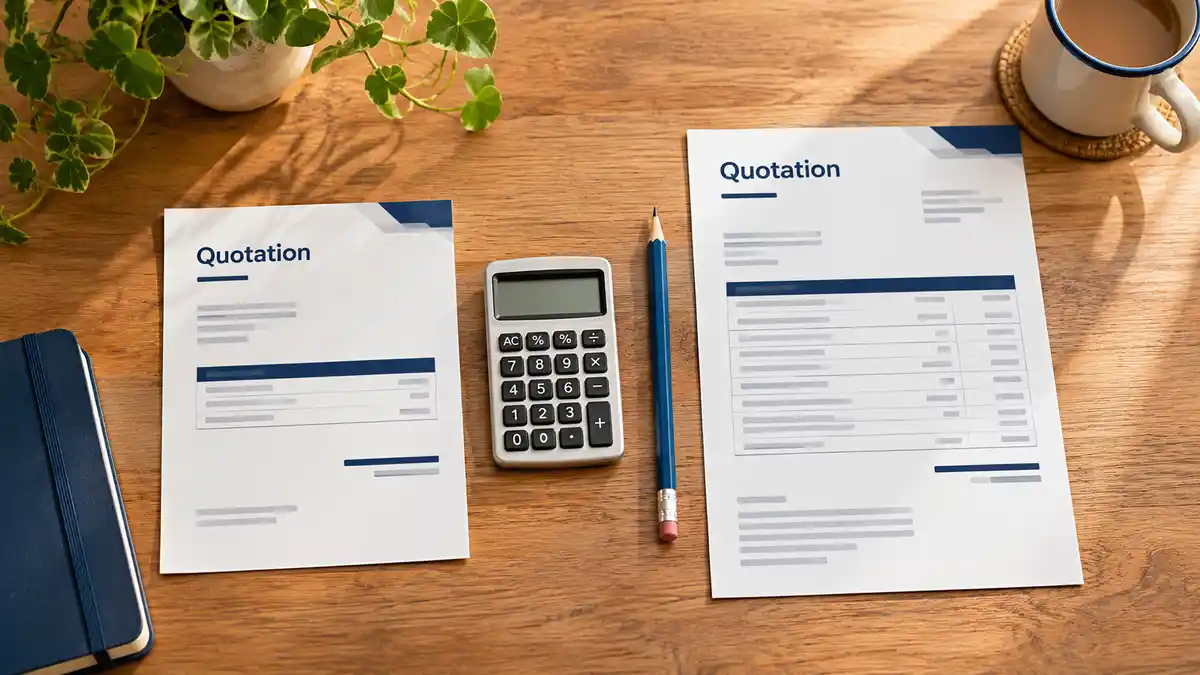
Before you say yes to a website quote, ask these eight questions.Compare the scope, ongoing costs and handover—not just the number at the bottom of the page.
Read the article
 Tech Explained
Your website is live. Do you have everything you need?A practical handover checklist for accounts, renewals, enquiries and future changes—without putting passwords in a spreadsheet.
Read the article
 Guides
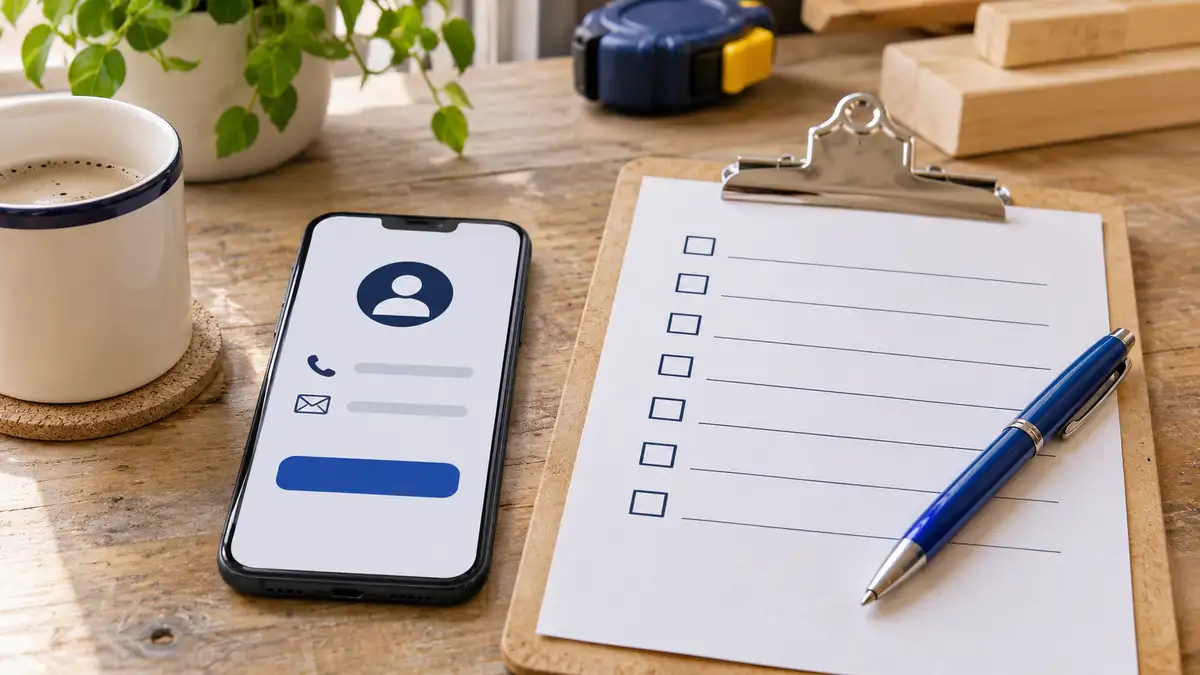
Could a customer contact you right now? A five-minute website check.Follow a test enquiry from the button to your inbox and find the gaps a quick glance can miss.
Read the article
 Tech Explained
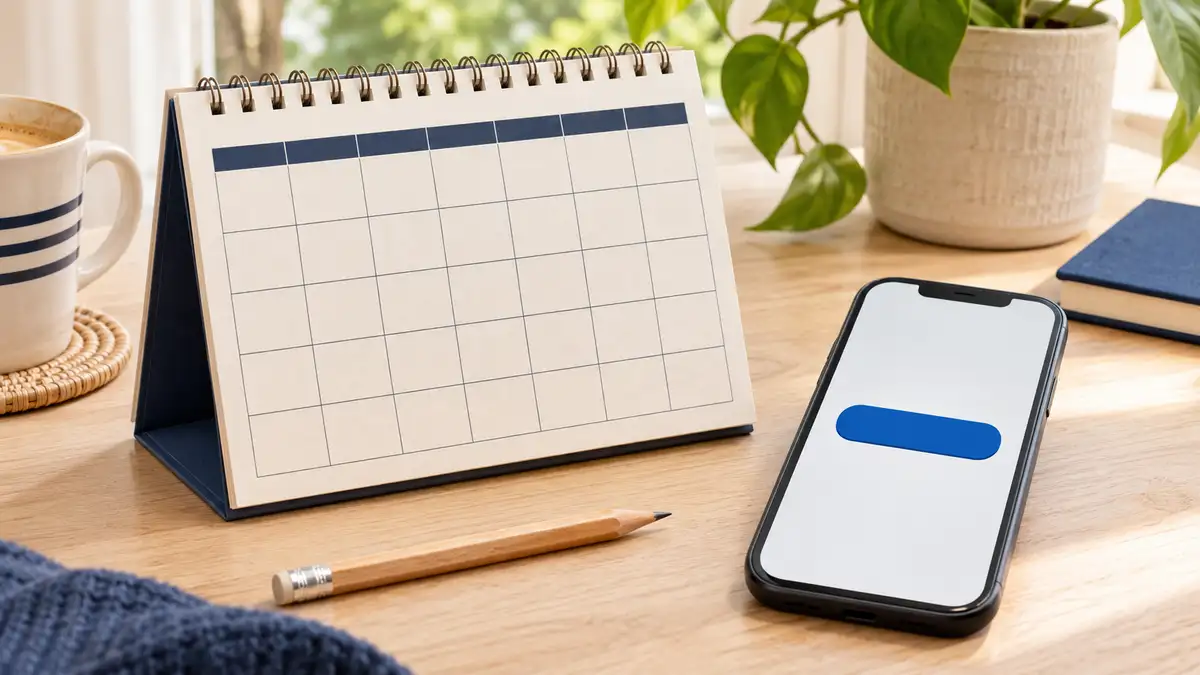
Do you need online booking—or just a button that works?Match the contact step to the way you actually agree work, before adding a calendar you do not need.
Read the article
 Business Tips
The ten-minute website tidy-up you can do once a month.A small routine for keeping business details, contact routes and work examples useful after launch.
Read the article
 Security
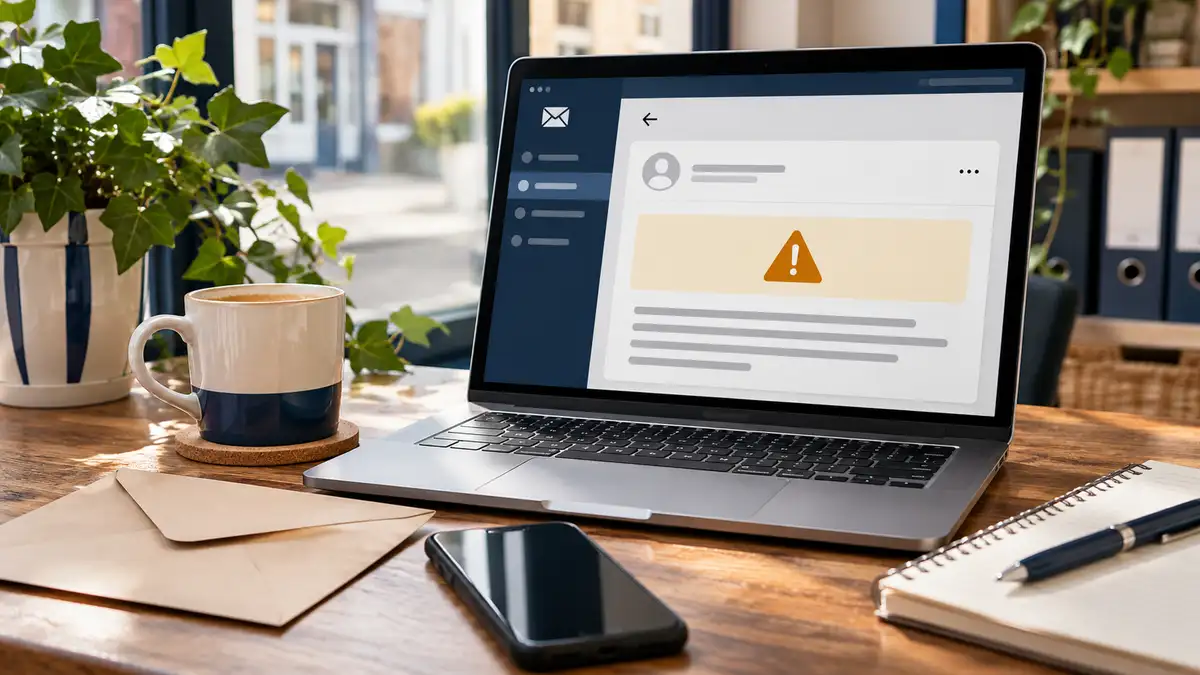
“Your website expires today.” Before you pay, check this.A calm way to verify renewal messages without trusting the link or phone number in the message itself.
Read the article
Security
Website security scare! Does your small business site need all that tech?Serious PHP security news offers a timely reminder that websites should be no more complex than they need to be.
Read the article
Guides
How to choose and buy a domain for your small businessPick a name, check the real cost and buy it in your own account.
Read the article
Business Tips
Do I need a website if I already have a Google Business Profile?An honest look at when a simple site helps and when you can wait.
Read the article
No articles in this category yet. We’ll add it when there’s something useful to share.
Need the full picture of how a website comes together?
See How It Works