In this article
Give the work a fair introduction
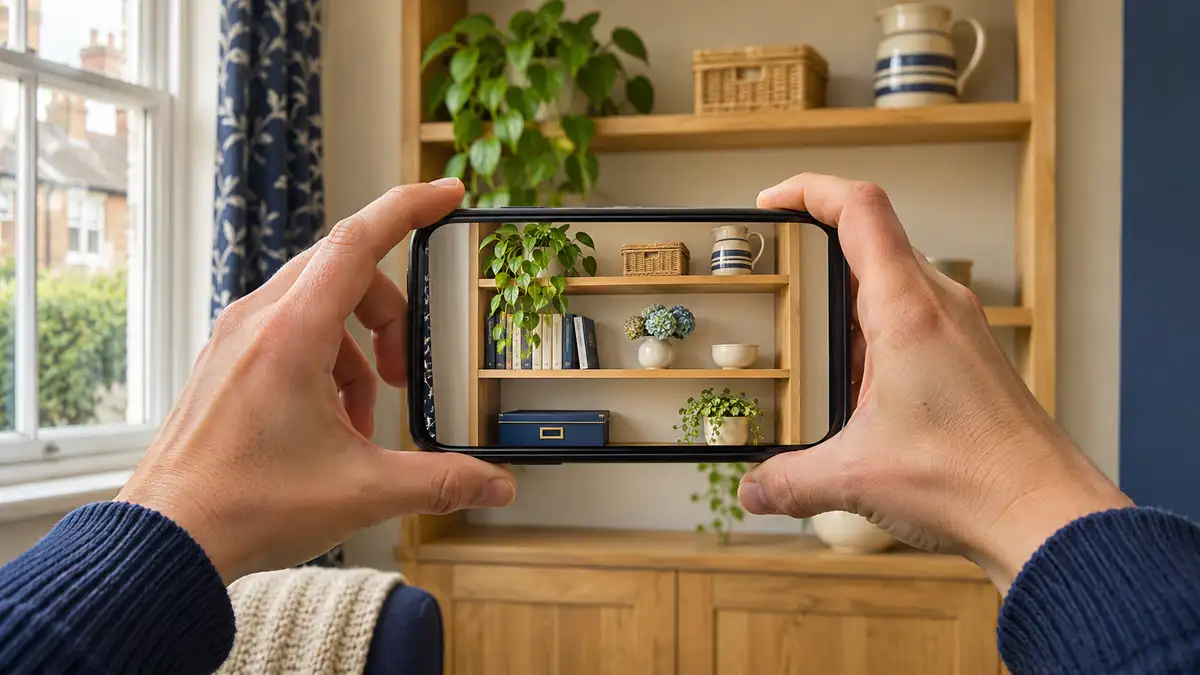
You finish the job, sweep up, take one quick photo and head off. Later, the picture turns out to feature a bucket, half your thumb and a very prominent extension lead. The work deserves a better introduction. You do not need a studio or a new camera: start with a clear view of the whole job, one useful detail and a minute to notice what is in the frame.
The aim is to help a potential customer understand your work. Think “this is what was fitted and how it looks in the room”, rather than trying to make every picture look like a magazine cover.
Check permission before picking up the phone
Agree what you may photograph and where you may publish it with the customer. Permission to take a picture for your records is not automatically permission to put it on a public website. Take particular care inside somebody’s home, where a harmless-looking background can reveal more than you intended.
Look for family photographs, letters, house numbers, vehicle registrations and people who have not agreed to appear. Move what you can, choose another angle, or leave the picture out. Keep a simple record of what was agreed. Do not identify the customer or their exact address just to make a caption sound more impressive.
Take six useful shots, not sixty almost identical ones
A small, deliberate set is easier to use later. Keep the phone steady, clean the lens and check each picture before packing up. Natural light can help, but showing the job honestly matters more than producing a dramatic effect.
For a genuine before-and-after pair, use a similar viewpoint and show the same job. Never match unrelated photographs or digitally improve the finished workmanship. If you missed the “before”, a clear finished photograph and a truthful explanation are enough.
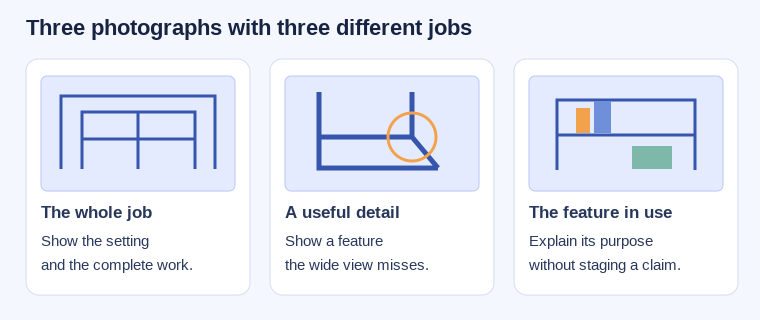
- The whole job, with enough surroundings to understand the space.
- A second angle showing depth or how the work fits the room.
- One close-up of a useful detail, such as an edge, joint or finish.
- A practical feature in use, where safe and appropriate.
- A wider horizontal frame that leaves room for a website crop.
- A vertical frame for a phone screen or a narrower project card.
Leave room around the important bit
Websites display images in different shapes. A wide banner may cut off the top and bottom of a photograph that looked fine in your phone gallery. Stand slightly further back for an extra shot, so there is room to crop without losing the work.
Check for converging walls, a tilted horizon and bright windows that hide the subject. Small adjustments when taking the picture are usually easier than rescuing it later. Editing brightness or cropping a distraction is different from hiding a defect or adding something that was never there. Keep the original files so you can return to them.
Add the information a photograph cannot provide
A useful caption explains the job in one or two sentences: what you fitted, the problem it addressed and one detail worth noticing. Avoid naming materials or methods unless you are certain. You do not need to turn every caption into a sales pitch.
Store approved pictures in a folder named for the project and month, with a note about publishing permission. Select the strongest few for the website. Sending your developer an entire camera roll makes it harder to spot the useful material and increases the chance of sharing something private.
Project photo caption
[What was completed] for [general setting, without a private address]. The brief was [practical need]. This photograph shows [one useful detail].
Send good originals; publish sensible sizes
Give your website builder the original selected files, rather than screenshots of photographs or copies repeatedly forwarded through messaging apps. The published versions can then be resized and compressed for the places where they appear. Visitors should not need to download the full camera original just to see a small card.
Useful image descriptions also matter. Describe what an informative picture shows; decorative images can be left out of the spoken description for screen-reader users. Before publishing, check that the photographs are clear on a phone, the captions are accurate and every picture really is yours to share.
YOUR NEXT ACTION
One useful thing to do
On your next completed job, take a whole view, a useful detail and a second angle—with permission.
Further reading
Original guidance for the topics mentioned above. Check the current guidance when making decisions for your business.
Prepared with AI assistance for My Next Action. Examples and illustrations are explanatory; they do not represent customer projects or testimonials.